Transfer Files Between Devices on the Same Network Without USB Drives or Cloud Uploads
A peer-to-peer file transfer tool that uses WebRTC to send files directly between devices on the same local network. No server storage, no upload limits, no accounts.
Moving a file from your phone to your laptop should not require a cloud service, a USB cable, or an email to yourself. But that is what most people do, because the alternatives are either too complicated or too unreliable.
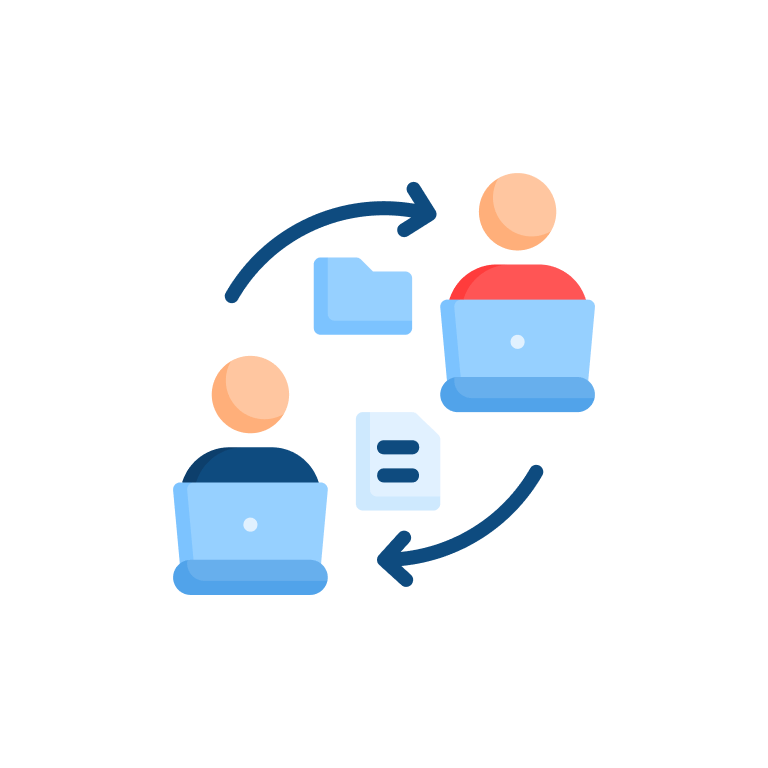
Z.Tools LAN File Transfer sends files directly between devices on the same network using WebRTC. No server stores your files. No upload step. The data goes from one device to the other through your local network, fast and private.
局域网文件传输
向同一网络中的附近设备发送文件
How it works
Open the tool on both devices. They discover each other automatically on the local network. Select the device you want to send to, pick your files, and the transfer starts.
The connection happens through WebRTC, the same protocol that powers video calls and screen sharing in the browser. Your files travel directly from the sender to the receiver without passing through an external server.
File chunks are 64 KiB, which keeps the transfer responsive even on slower network connections. Large files work fine. The chunking means the receiver can see progress and the sender does not lock up while the transfer happens.
Room-based organization
Transfers happen in rooms. When you open the tool, you join a room. Other devices on the same network appear in the room automatically. This keeps things organized when multiple people are transferring files at the same time.
Each room shows connected devices with their names. You pick which device to send to. The receiver gets a notification and can accept or decline the transfer.
PIN protection
You can set a PIN on your device. When another device tries to send you a file, they need to enter the PIN before the transfer starts. This prevents random people on the same network from sending you files without permission.
The PIN is a simple four-digit code. It is not military-grade security. It is enough to prevent accidental or unwanted transfers on a shared network like a coffee shop or office.
Selective acceptance
When someone sends you a file, you get a prompt to accept or reject. You do not have to accept everything that comes your way. If someone tries to send you something you do not want, decline it.
This is a simple feature, but it matters. Without it, anyone on the network could push files to your device. The acceptance prompt puts you in control.
Inspired by LocalSend
The tool draws inspiration from LocalSend, an open-source file sharing app. The core idea is the same: direct device-to-device transfer over the local network. Z.Tools implements this in the browser so you do not need to install an app on every device.
What it does not do
No cross-network transfers. Both devices must be on the same local network. If you need to send files over the internet, use a cloud service or a tool like Sharedrop.
No persistent storage. Files are not stored anywhere after the transfer. If you need to access a file later, make sure it is saved on the receiving device.
No folder transfers. You can send individual files, not entire directory structures. For folder transfers, zip first.
No background operation. The tool must be open on both devices during the transfer.
The tool does one thing: move files between devices on the same network without going through a server. If you are on the same WiFi, it works.
https://z.tools/t/lan-file-transfer
- utility
- file-transfer
- lan
- webrtc
继续阅读
MiniMax HD vs Turbo vs Eleven Flash for finished work
MiniMax 2.8 HD, MiniMax 2.8 Turbo, and Eleven Flash v2.5 cluster at adjacent per-character prices but split sharply on use case: broadcast finals, fast Chinese agents, and 32-language streaming respectively. Here is which one to pick when.
Mandarin text-to-speech in 2026: dialect routing across MiniMax 2.8 and Qwen3-TTS
Mandarin text-to-speech in 2026 is a two-model toolbox. MiniMax 2.8 leads on broadcast voice library; Qwen3-TTS leads on dialect coverage and Chinese WER. Here is the routing decision for nine kinds of Chinese script.
Voice cloning from a few seconds of audio: where it works, where it stops, and consent
Voice cloning from three to ten seconds of audio is now in the AI text-to-speech tool. The technical limits, the legal limits in 2026 (Tennessee ELVIS Act, California AB 2602 and 1836, EU AI Act Article 50), and a consent workflow that holds up.